Overview
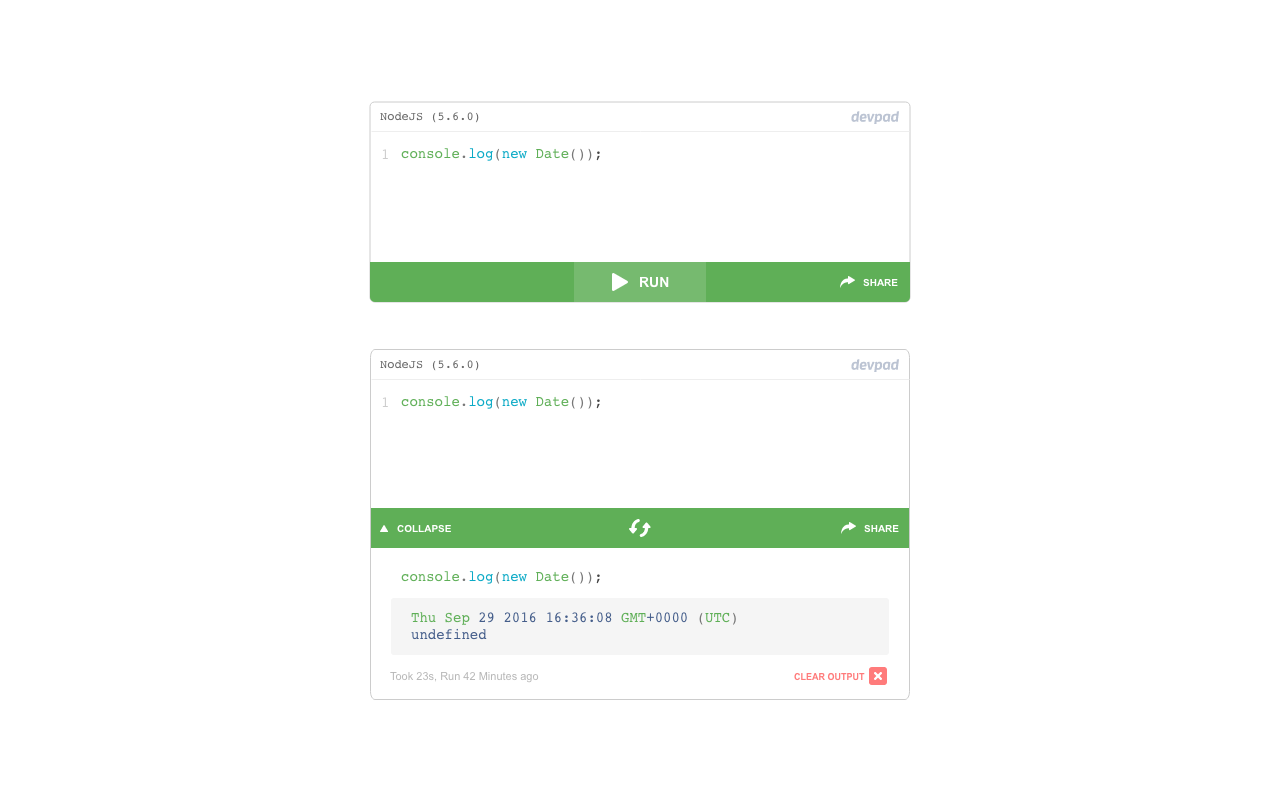
An interactive playground for full-stack environments. Write rich text format documents and embed live code snippets to make real examples or show ideas to readers.
With DevPad you can write technical posts with editable and runnable code snippets. These snippets can be executed and their output can be shown in the same post, giving a deeper understanding about what the code does and what is its result.
- Role: Product Design, Branding, UI, UX and Interaction Design, Frontend Engineer
- Tools: Adobe Suite, Git, SASS/CSS, Ruby/Rails
- Year: 2017
Challenges
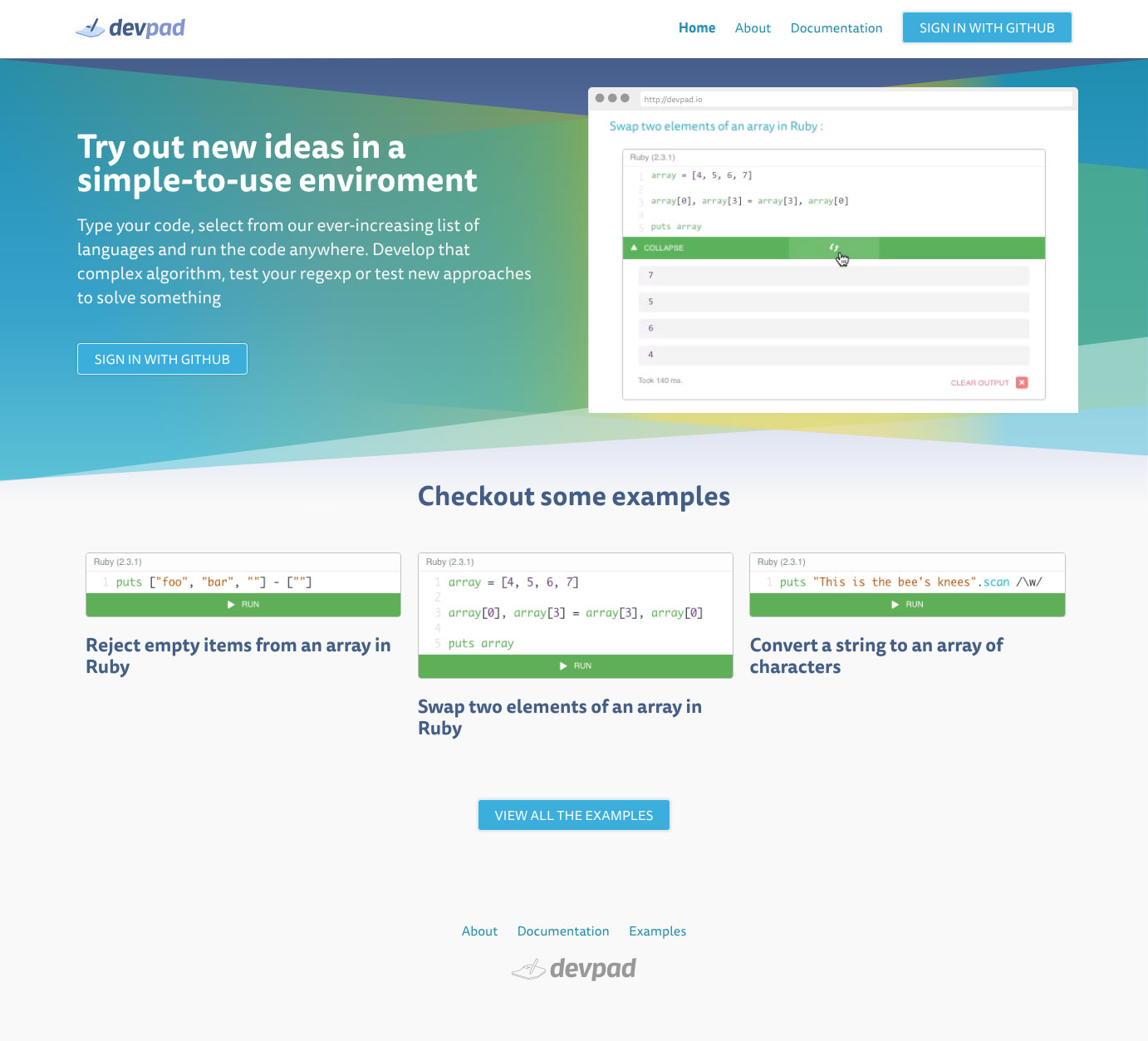
Devpad was born as a spin-off from Codepicnic, using the same container technology that allowed to run fully functional consoles, we simplified the format, creating widget-like micro-environments where users could run bits of code. We focused on:
- Design a brand for a spin-off product that could live by itself
- Design readable posts and intuitive widgets for technical content creation
- Design a content creation flow for users to share their ideas
Opportunities
A tool within a toolbox
My approach with this project was to create a tool that is great at showing complex information, but within a set of other tools that allows users creative freedom to create a valuable context around it.
Process
Understanding
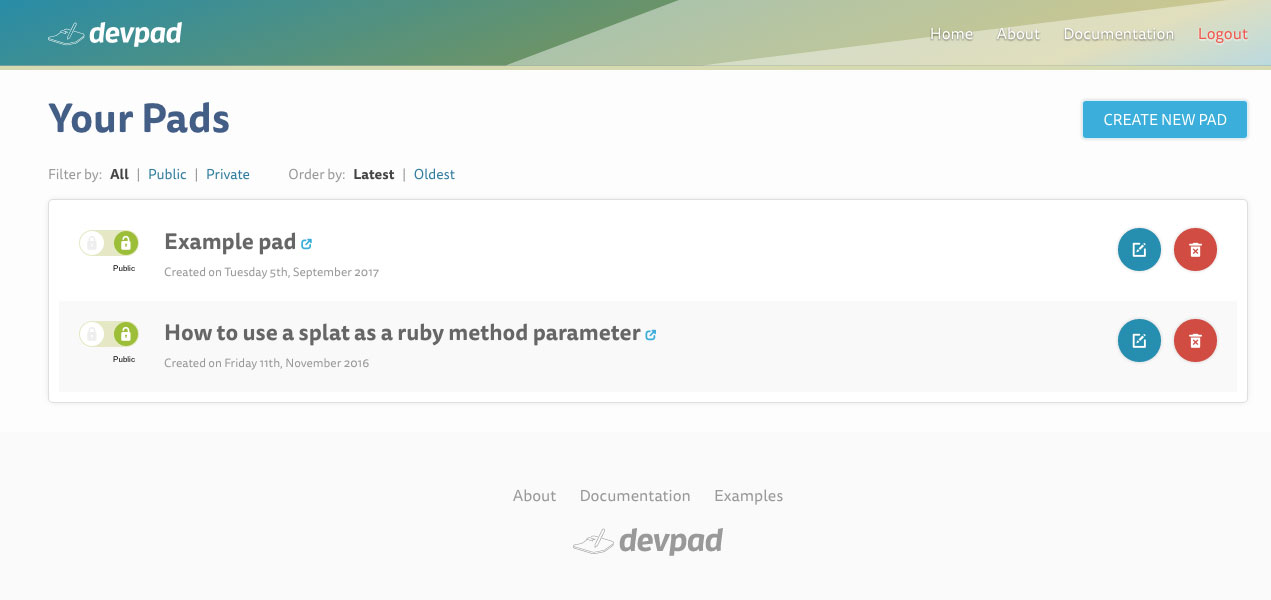
Through multiple interviews and research processes we were able to define a set of goals, requirements and features we were comfortable to approach. Creating user stories, empathy maps, user flows, and interaction maps.
Exploring
We were able to quickly test prototypes and multiple iterations of each interface choice. Being able to code my own interfaces proved really helpful to improve the exploration process; we discovered that some micro interactions performed better than some interface elements, allowing us to simplify the interface.
Delivering
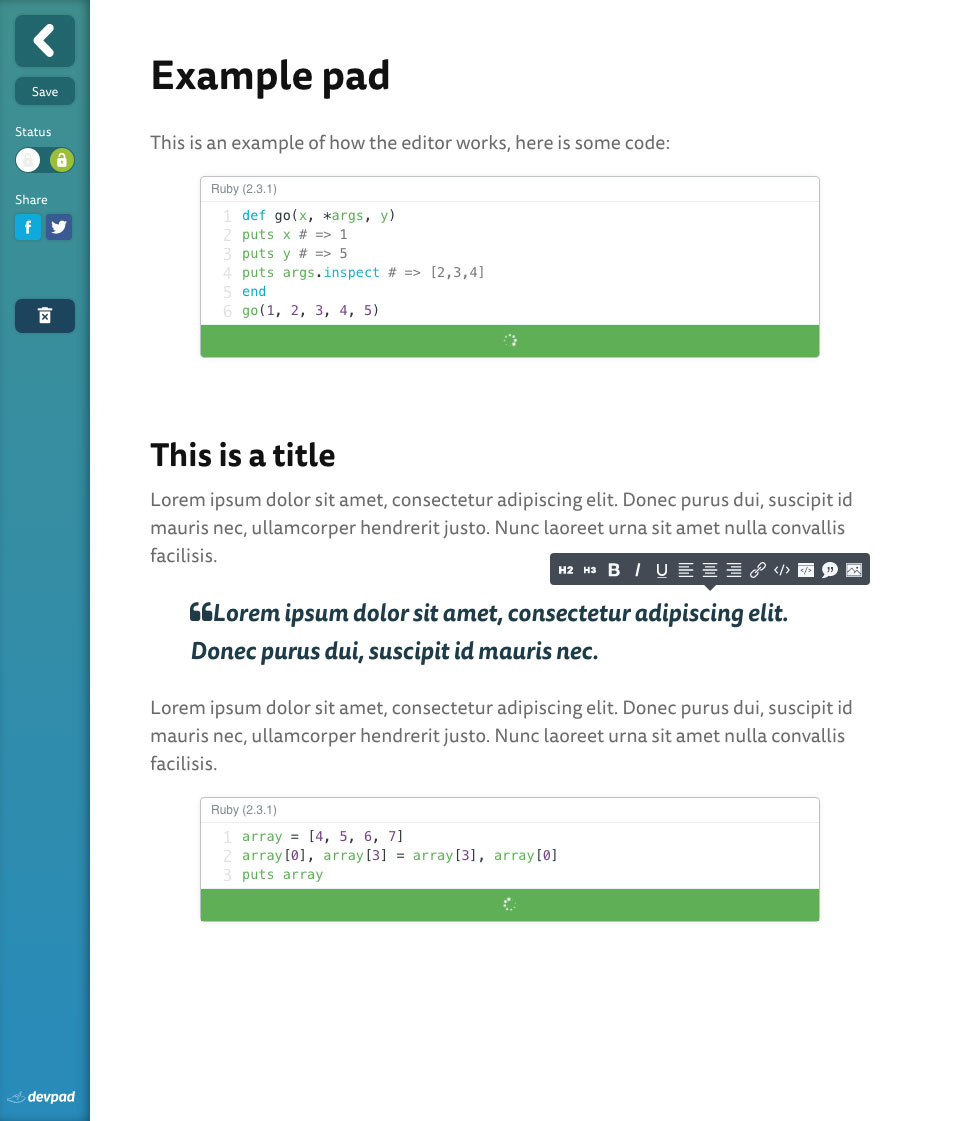
The end product was a content creation platform that allowed the users to share rich and complex thoughtful ideas and concepts with working examples of code snippets.